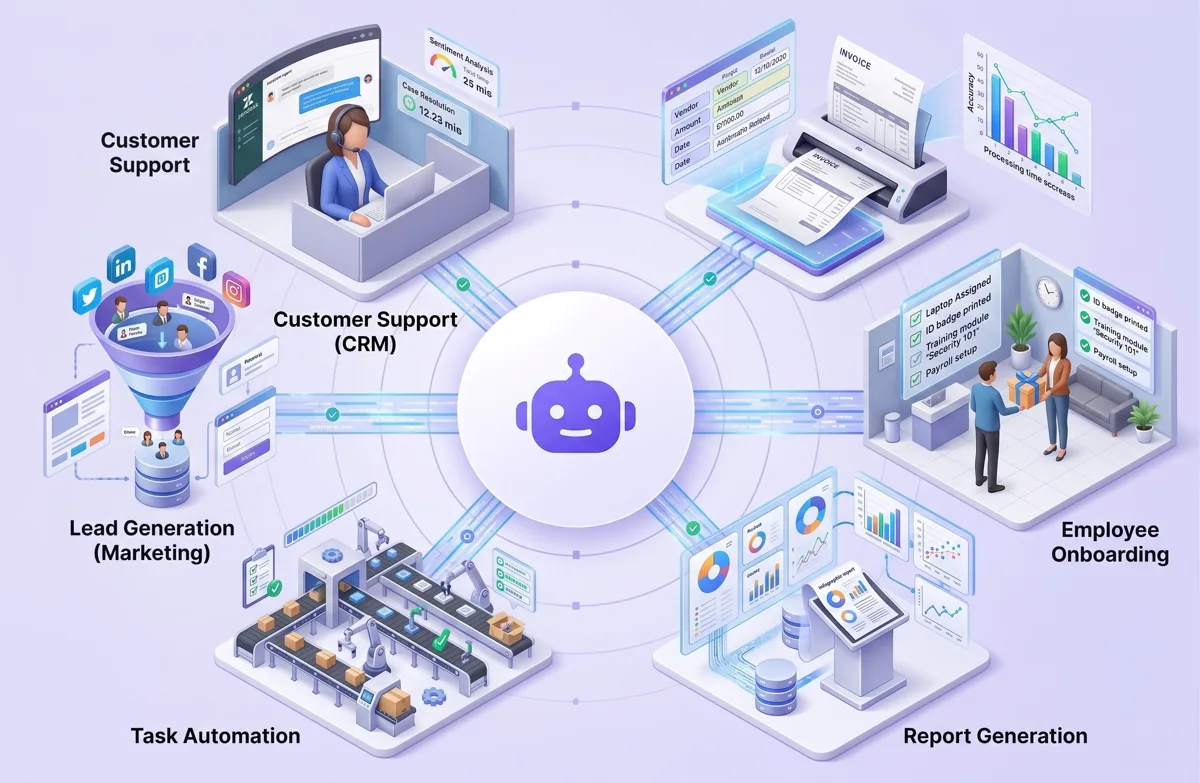
Most support teams spend a large part of every day answering the same questions: password resets, order status, billing dates, how to change a setting. These tickets are important to the customer but repetitive for the agent. Agentic AI is a practical way to take that load off your team while keeping people in charge of the conversations that need them.
What "agentic AI" means in customer support
A chatbot answers questions. An AI agent can also take actions: look up an order, check an account, reset a password, open a refund request, or route a ticket to the right person with a summary attached. It works inside rules you set, and it hands over to a human when a case is outside those rules.
Which tickets an AI agent should handle
Start by sorting a month of tickets into three groups:
- Tier 1, fully automatable: high-volume questions with a clear, correct answer in your documentation or systems (order status, how-to questions, account changes).
- Tier 2, AI-assisted: tickets where the AI drafts a reply and an agent checks and sends it (billing disputes, technical troubleshooting).
- Tier 3, human only: complaints, cancellations, legal or safety issues, and anything emotionally sensitive. The AI's job here is only to route the ticket fast with a clear summary.
The size of the saving depends almost entirely on how much of your volume sits in Tier 1. Measure that before you build anything.
How the system is built
- Knowledge base: the agent answers from your help articles, past resolved tickets and product documentation, not from general internet knowledge.
- Integrations: read-only access to order, billing or account systems at first; write actions (refunds, changes) only after testing and with limits.
- Guardrails: clear rules for when to hand over to a human, what it may never say or promise, and how it handles personal data.
- Helpdesk connection: the agent works inside the tool your team already uses (Zendesk, Freshdesk, Jira Service Management, HubSpot), so nothing changes for agents except their queue.
A safe rollout plan
- Shadow mode (2 weeks): the AI drafts answers for every ticket but sends nothing. Agents rate the drafts.
- Assist mode: agents send AI drafts with one click after checking them.
- Auto mode for one category: the AI answers one well-tested Tier 1 category on its own, with spot checks every day.
- Expand slowly: add categories one by one, only when quality holds.
What to measure
- First response time and resolution time
- Customer satisfaction (CSAT) on AI-handled tickets compared with human-handled ones
- Share of tickets resolved without a human, and how many of those were reopened
- Cost per ticket
If satisfaction drops on AI-handled tickets, pull that category back to assist mode. Speed is only a win if the answers are right.
Key takeaway
Agentic AI does not replace a good support team. It removes the repetitive work so your people can spend their time on the conversations where a human makes the difference. Start small, measure honestly, and expand only what works.
If you'd like help working out how much of your support volume is suitable for automation, book a free 30-minute call.